
Hiring Guides
By Jed Williams, Co-founder, Spexster and Taylor Andrew, Partner & Head of Project Services, Spexster
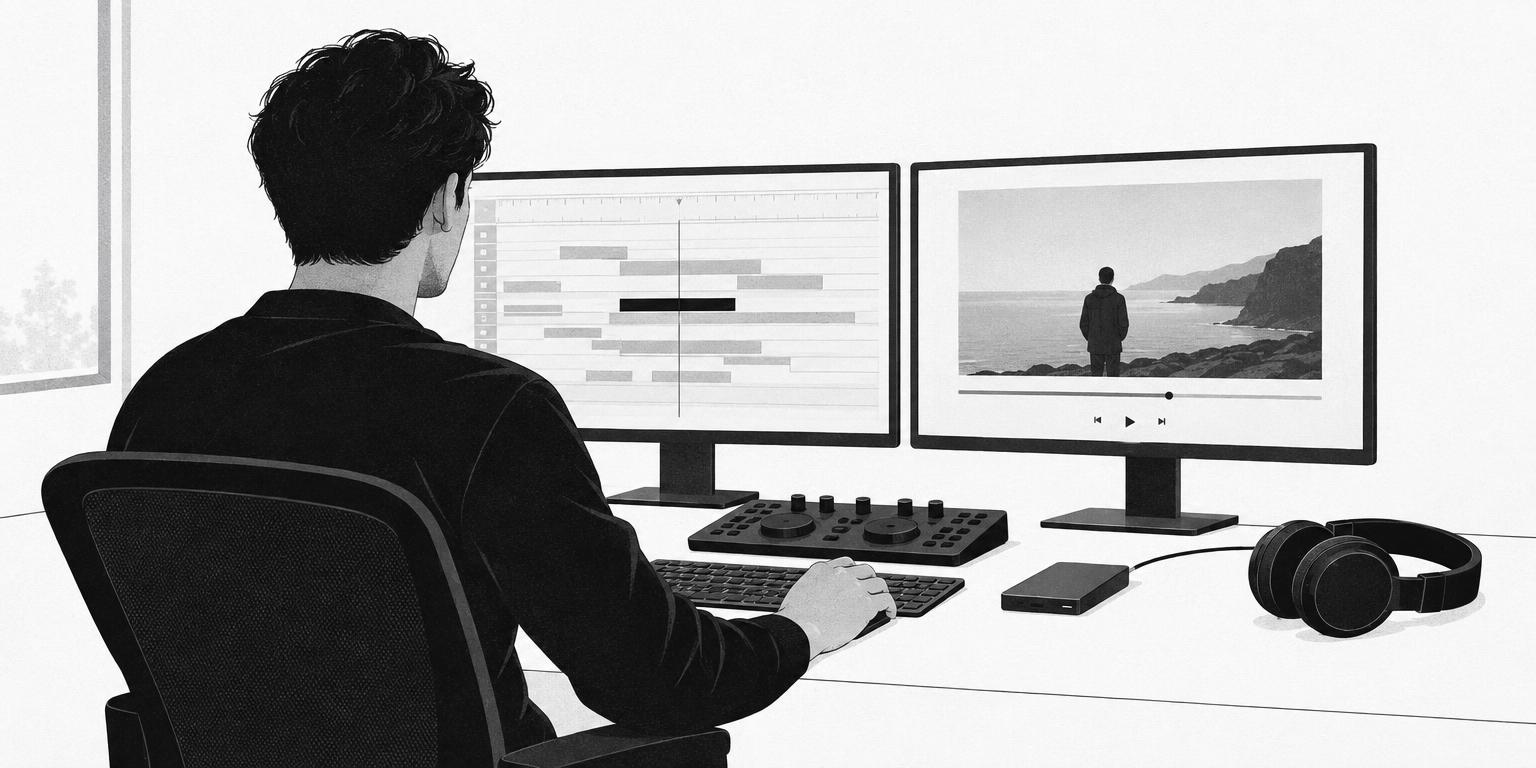
How to Hire a Freelance Video Editor: Briefs, Handoffs and Turnaround
Write a one-page brief that lists every deliverable with its runtime and aspect ratio, hand over the footage in one organised transfer, and fix the number of revision rounds before anyone opens the project. Hire on the reel, not the postcode: editing is remote work, and the pool of good editors is far bigger than your city.
The shoot went fine. Then the edit disappeared for six weeks.
This is the version of the story brands tell most often. The shoot was a success: good light, the CEO was relaxed, the B-roll looked expensive. A drive went to an editor. Three weeks later a first cut arrived that was not quite what anyone pictured, so notes went back from four people over nine days, each contradicting the last. The second cut fixed some of them. By the time the video was approved the campaign it was made for had launched, and the Instagram versions were an afterthought squeezed out the day before.
None of that was the editor's fault, and none of it was really the brand's. It was the absence of three things: a brief that said what "done" looks like, a handoff that let the editor start on day one, and an agreed way to give notes. This guide covers those three, plus how to read an editor's reel and why the editor you want is probably not in your city. If you'd rather hand the whole thing to someone who does this every week, the last section is for you.
What a video editor does beyond cutting
On a brand or agency job a freelance video editor typically handles:
- Assembly and selects. Watching everything you shot, pulling the usable takes and building a rough structure.
- Story and pacing. Choosing what the film says, in what order, and how long each beat holds.
- Sound. Cleaning dialogue, laying music and effects, and mixing to a level that plays on a phone and a boardroom TV.
- Colour. A correction so shots match, and often a grade that gives the piece a look.
- Motion graphics. Lower thirds, titles, animated logos, end cards.
The edit is where meaning is made. The Kuleshov effect, the early Soviet experiment in which one expressionless shot of an actor was cut against a bowl of soup, a coffin and a woman, showed audiences reading hunger, grief and desire into a face that never changed. Your footage is raw material. The editor decides what it means.
On larger jobs, sound, colour and graphics become separate specialists: a colourist, a re-recording mixer, a motion designer. Most brand content does not need all of them. It needs one strong editor who will tell you when a title sequence or a broadcast mix calls for a specialist. Ask early which of these they do themselves.
What goes in the editing brief
The brief is the target the editor cuts toward, and it is the single document that prevents the six-week story above. One page is enough if it covers:
- Deliverables, by platform. Every output, with runtime and aspect ratio. YouTube's encoding guidance says the standard player ratio on a computer is 16:9; TikTok's ad specifications recommend 9:16 vertical and accept 16:9 and 1:1. One shoot often serves all three, and the editor needs to know before the first cut so each shot can be reframed for the crop.
- Reference cuts. Two or three links in the tone and pace you want, with a sentence on why. "The pace of this one, the colour of that one" beats any adjective.
- Story and must-haves. The message in a sentence, the moments that have to be in, and who has final sign-off.
- Brand assets. Logo files, fonts, brand colours and any lower-third style, and where to find them.
- Music, and who licenses it. For a specific commercial track, the ASCAP checklist for using music in film explains that you need a synchronisation licence from the publisher for the composition and a master use licence from the label for the recording. Most brand work uses a subscription music library instead; the brief should say whose subscription covers the licence and whether it allows paid advertising use.
- Captions. Burned-in, a separate caption file, or both, and for which platforms.
- Turnaround. The date you need the first cut and the date you need the final files.
On Spexster, this brief is the job post. Vetted editors read it and apply if the work is theirs, which means the people you are choosing between already know the deliverables and the deadline before you have spoken to them.
How to hand off footage
Most delays in post are handoff delays: a drive with no folder structure, a missing card, an interview with no transcript. A clean handoff has four parts.
Originals or proxies. Camera originals are the full-resolution files. Proxies are the low-resolution copies editing software creates so the edit runs smoothly; Adobe's Premiere documentation describes them as low-resolution files for efficient editing, reconnected to full-resolution media at the end. Many editors prefer originals and make their own proxies; some ask for proxies first and originals for the final render. Agree which.
Transfer. Beyond a small shoot, send a physical drive and a transfer link. Keep a complete copy yourself. Never send the only copy of anything.
Naming and structure. One folder per shoot day, one subfolder per camera, card numbers preserved, and a short text file saying what each folder is and which camera was the interview A-camera.
Transcripts and notes. For interview-led pieces, a timecoded transcript lets the editor build a paper cut before opening the footage and lets you mark the lines you want. A page of notes ("take three of the CEO is the good one") saves hours.
Revision rounds and what a locked cut means
Set the number of rounds before the work starts; a first cut, a second cut and a final is common. Define a round as one consolidated list of notes from one person with sign-off authority, not a week of drip-fed comments from four.
Give notes in timecode and as the problem, not the fix: "0:42 loses momentum" is more useful than "swap that shot." A good editor will find a better solution than the one you would have specified.
Then understand the word "lock." Picture lock means the sequence of shots and their durations are final; from that point colour, sound and graphics are finished on top. Changing the picture after lock means redoing that finishing work, which is why reopening a locked cut costs time and money. Get every approver to watch the cut before you call it locked. This is the step most often skipped, and it is the expensive one.
Turnaround: what to expect
Turnaround depends on three things you control: the amount of footage, the number of deliverables, and how fast you return notes. An editor cannot start the second cut until you have watched the first; stalled approvals are why short edits run long.
A single social cut from a tidy shoot is quick. An interview-led brand film in three aspect ratios is not, because every version must be reframed, retimed and re-exported, and any graphics, colour or sound pass adds steps. Ask for dates against each stage and build your own approval time into the schedule, honestly.
How to judge an editor's reel
A reel is cut to impress. Read it like this:
- Pacing. Does the cut breathe and move where it should, or is it a wall of fast cuts to music? Ask for a full-length piece, not just the montage.
- Sound. Play it on headphones. Is dialogue clean and consistent, and does the music duck under speech rather than fight it?
- Interview cuts. Find a talking-head piece. Are cuts between sentences invisible, covered with meaningful B-roll, or hidden behind a crude zoom? This is where corporate video most often looks amateur.
- Graphics. Are titles and lower thirds typeset with care and animated with restraint?
Then have a short call: on collaborative pieces, which parts did they cut, colour and mix themselves? How do they like to receive footage and handle notes? The answers tell you as much as the reel.
Your editor does not need to be local
Editing is remote work: footage travels as files, notes as timecoded comments, and the cut comes back as a review link. There is no reason to limit a search to one city. Start with the whole pool of vetted freelance video editors on Spexster and filter by the kind of work, not the map.
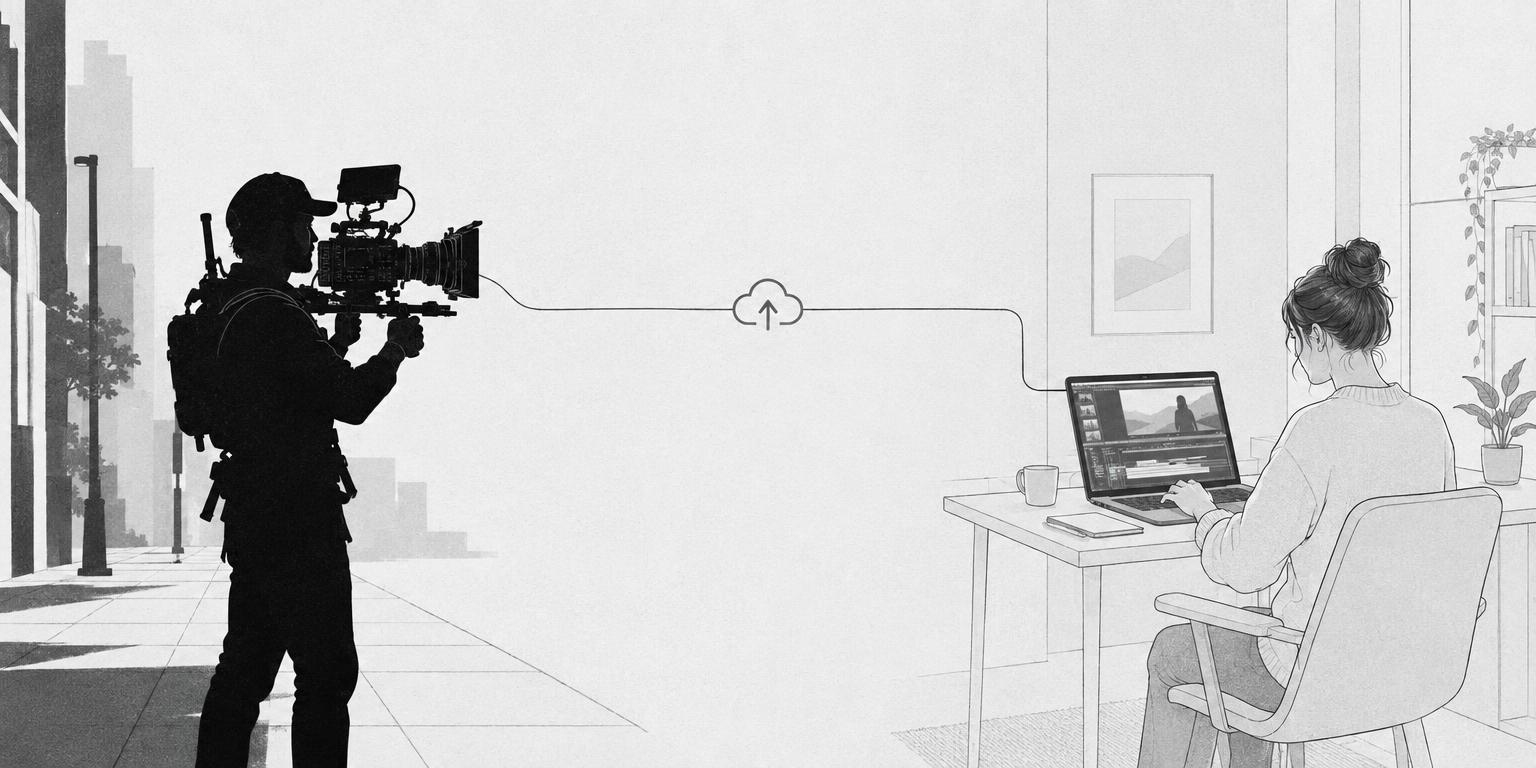
The same brand often does want a local shooter, because footage has to be captured somewhere and a videographer near the location saves flights, hotels and orientation time. The efficient structure for a multi-location brand is one remote editor, or an in-house post team, plus a local shooter in each city working to the same shot list so the material cuts together.
Shootsta, a corporate video company, runs exactly that split: Spexster sources local camera operators, videographers and photographers for Shootsta in 16 countries, and Shootsta handles all post in-house. The Shootsta case study walks through the handoff. If you would rather keep the whole job in one region, a video editor in Toronto can work alongside a local crew there; that is a choice, not a constraint of the craft.
How Spexster fits
Everything above is how to run an edit well, and you can do all of it yourself. What Spexster changes is how much of it lands on you.
Post the job with the footage details, deliverables and deadline, and vetted editors apply from any market. Every editor on the platform has been reviewed before appearing, with no paid placement, and the reel is on the profile, so you are choosing between people who have cleared a bar and already want the job rather than cold-emailing strangers and hoping.
Or send the brief and a dedicated White Glove project manager matches the editor, writes the revision rounds and the picture-lock point into the contract, and manages the handoff and the notes, at no additional fee. Payment runs through escrow powered by Stripe and is released when the cut is delivered, so neither side is waiting on trust. Briefs typically get a response within one business day. Start with video editors for hire.
Frequently asked questions
What should I send a freelance video editor before they start?
Send the brief, the footage in an organised folder structure, transcripts or notes for interviews, brand assets, and the music or its licence details. Confirm whether they want camera originals or proxies first, and keep a complete copy yourself.
How many revision rounds should I expect?
Agree the number in writing before the edit starts; a first cut, a second cut and a final is common. Treat a round as one consolidated set of timecoded notes from one decision-maker. Changes after picture lock mean redoing colour, sound and graphics, so gather every approver before you call the cut locked.
Do I need a video editor who lives in my city?
No. Editing is done remotely on files and review links, so hire on the reel and the working relationship. The shooter often does need to be local, because footage is captured on site; many brands pair a local videographer with a remote editor.
Who is responsible for licensing music in my video?
Whoever the brief says. A commercial track needs a synchronisation licence for the composition and a master use licence for the recording; library music has its own terms on advertising use. Decide in the brief whose subscription covers the licence, and keep the licence record with the project files.