
Hiring Guides
By Taylor Andrew, Partner & Head of Project Services, Spexster
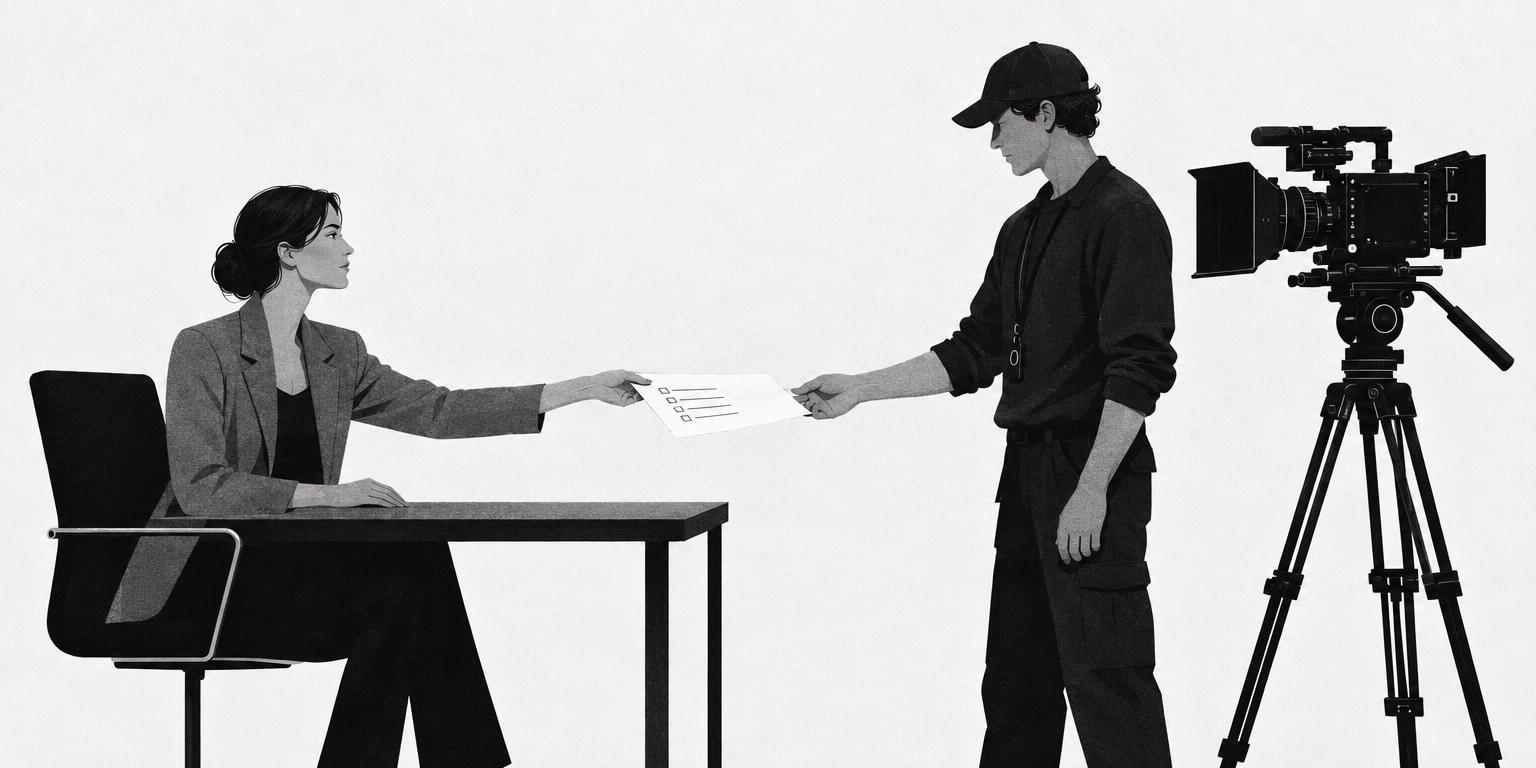
What a Video Production Brief Should Include (With a One-Page Checklist)
A video production brief states the objective and audience, lists every deliverable with its platform, length, aspect ratio and quantity, describes message and tone with references, covers logistics and who approves, sets technical requirements, defines rights and usage, gives a budget range and payment terms, and lays out the timeline with review rounds. Written well, it is one page the crew can quote back to you.
Most video projects go wrong before the camera comes out
Ask anyone who produces video for brands where the trouble starts and they will not say the shoot. They will say the gap between what the brand meant and what the crew heard. "A couple of social cuts" became two videos when the brand pictured six. The quote did not include the vertical version because nobody said vertical. Nobody could say "we have it, move on" because nobody had been named to say it. Six people left comments on the review link and the editor treated that, reasonably, as six rounds.
Every one of those is a brief problem, and every one is cheap to fix on paper and expensive to fix on the day. A good brief is one page a crew can quote back to you word for word. This guide goes through every section it needs, in order, with the platform specs pulled from the platforms themselves, and ends with a checklist you can copy. It is also, not by coincidence, exactly what Spexster asks for, because a brief like this is what lets the right crew find you.
What a brief is for
A brief is the single document a crew reads before pricing the job and returns to when a question comes up on set. If a decision is not in the brief, whoever is holding the camera makes it. Keep it to one page, with attachments for a script, shot list or brand guidelines. A crew reads one page; they skim ten.
Objective and audience
One sentence on what the video has to do: drive sign-ups, explain a product, arm a sales team. Then who will watch it and where. "Operations managers watching on LinkedIn on a phone with the sound off" tells a crew more than three paragraphs of positioning. Add how success will be judged.
Deliverables
This is the section most briefs leave vague and most disputes come back to. List every file you expect, one line each: format, length, aspect ratio, platform and quantity. A hero cut, three cutdowns, a vertical version and stills are five lines, not one.
Pull aspect ratios and length limits from the platforms' own documentation, since they change. As of this writing:
- YouTube states that "the standard aspect ratio for YouTube on a computer is 16:9" and recommends 1920x1080 for 1080p. Uploads are limited to 15 minutes by default; verified accounts can go up to 256 GB or 12 hours, whichever is less. Shorts can be up to 3 minutes.
- Instagram Reels, per Meta's developer documentation, accept aspect ratios between 0.01:1 and 10:1, but Meta recommends 9:16 "to avoid cropping or blank space," with a maximum of 1920 horizontal pixels, 23 to 60 fps, and a duration of 3 seconds to 15 minutes.
- TikTok ad specs recommend vertical 9:16 (minimum 540x960), with 16:9 and 1:1 also supported, files up to 500 MB and non-Spark ads up to 10 minutes.
- LinkedIn video ads run 3 seconds to 30 minutes, as MP4 files of 75 KB to 500 MB, in 4:5, 9:16, 16:9 or 1:1, with captions optional.
Say which deliverable is the master, and whether you also want raw footage and project files; they are often not included unless asked for.
Message and tone with references
Write the one thing the viewer should remember, then two or three supporting points in priority order. If lines must be said as written, attach the script. For tone, link two or three reference videos with one sentence each on what you are pointing at: the pace, the framing, the colour, the music. Say what you do not want as well; that is often the more useful half.
Logistics: dates, locations, talent and approvals
- Dates. Which are fixed and which are flexible.
- Locations. Addresses, access and parking, whether permission is secured, and what the space is like; a glass-walled meeting room is a lighting and sound problem the crew should hear about in advance.
- Talent. Who is on camera and who is arranging them.
- Approvals. One named person who can say yes on the day and in the edit, and how to reach them.
Technical requirements
State your house standard, or ask the crew to propose one and confirm it in writing before the shoot. Cover frame rate, resolution and codec, colour (log profile, graded master or flat pass), audio (lavalier, boom or both), captions (burned in or a separate file) and file delivery: naming, cloud destination and retention. If the footage must cut with material shot elsewhere, attach that spec; mismatched frame rates and colour pipelines are the most common reason a multi-crew edit costs more than quoted.
Rights and usage
Under US law a work is protected by copyright "the moment it is created and fixed in a tangible form," and the US Copyright Office notes that a specially commissioned work, including one made "as a part of a motion picture or other audiovisual work," belongs to the commissioning party only where "the parties expressly agree in a written instrument signed by them that the work shall be considered a work made for hire." State duration (one year, three years, perpetual), territory, media (organic social, paid social, broadcast, web, internal) and whether you need an assignment of copyright or a licence. Say who clears music; a track licensed for organic social is often not licensed for paid use. Anyone identifiable on camera also needs a signed release; see talent and location release forms.
Budget range and payment terms
Give a range. A crew quoting against a range will tell you what fits inside it and what does not, before the shoot rather than after. State the payment structure you can work with (deposit and balance, milestones or escrow) and your terms, and say whether travel, equipment, music and talent fees sit inside the range or are billed separately.
Timeline with review rounds
Work back from the launch date: brief sent, quote due, pre-production call, shoot, first cut, feedback, second cut, final delivery. State how many review rounds are included and who consolidates feedback on your side. Six people commenting in a shared link is not a round; it is six rounds.
Briefing different roles
The core brief is the same for everyone; each role needs a little more.
A shoot crew. A videographer or cinematographer needs the shot list, locations, talent schedule and technical spec above all else. Say whether they are also editing. See how to hire a videographer.
An editor. A video editor working from footage they did not shoot needs the deliverables list, the story in priority order, references for pace and music, and a clean handover of footage, audio and brand assets in named folders. See how to hire a freelance video editor.
A photographer. Add shot count, orientation per use, retouching expectations and whether you want RAW files, then browse photographers on Spexster.
A drone operator. Add location coordinates, the flight window, and whether the site is near an airport or over people, since those shape what is legal. Hire a licensed drone pilot and read what to ask a drone operator about licensing first.
Common brief mistakes
- Deliverables described by feel. "A couple of social cuts" is not a deliverable.
- No named approver. Shoot days run long waiting for "we have it."
- Rights left to the contract. If the brief does not say worldwide, perpetual, paid media, the quote will not include it.
- Unlimited review rounds. Every revision past the agreed rounds is a change order, and the brief should say so.
The one-page brief checklist
- Objective and audience: what the video must do; who watches, where and how; how success is judged.
- Deliverables: each file by format, length, aspect ratio, platform and quantity; which is the master; raw footage and project files yes or no.
- Message and tone: the one thing to remember; supporting points in order; two or three references with a sentence each; what to avoid.
- Logistics: dates; locations with access; talent and who arranges them; one named approver and how to reach them.
- Technical: frame rate; resolution and codec; colour pipeline; audio; captions; file naming and delivery destination.
- Rights and usage: duration; territory; media; licence or assignment; music clearance; releases.
- Budget and payment: range; what is included; payment structure and terms.
- Timeline and reviews: every date from quote to delivery; number of review rounds; who consolidates feedback.
- Attachments: script or key lines; shot list; brand guidelines; spec from any other crew.
How Spexster fits
Once the brief is written, the hard thinking is done. What is left is finding the right people and running the paperwork, and that is where the brief pays for itself twice.
Spexster is a global film, video and photo production platform that connects brands and agencies with vetted creative professionals worldwide, founded by two commercial filmmakers, John Kubin and Jed Williams. Every professional is vetted before appearing: Spexster confirms they are a real, working professional and reviews their portfolio, credits and professional presence, with no paid placement. Post your one-page brief as a job and vetted professionals apply against it, having read exactly what you need. Or send it to White Glove and a dedicated project manager turns it into a technical briefing for crew, then handles sourcing, contracts, scheduling, logistics and secure escrow payment at no additional fee. Contracts run through the platform, payments run through escrow powered by Stripe and are released when work is delivered, and briefs typically get a response within one business day. Start with the checklist above and the roles you need: videographers, editors, photographers or drone operators.
Frequently asked questions
How long should a video production brief be?
One page, with attachments for the script, shot list, brand guidelines and any spec from other crews. A crew reads a page in full; longer documents get skimmed.
What is the difference between a creative brief and a production brief?
A creative brief sets objective, audience, message and tone. A production brief adds deliverables, logistics, technical requirements, rights, budget and timeline. For most brand videos one document does both.
Do I need to include a budget in the brief?
Yes, as a range, so the crew can tell you what fits before the shoot rather than after.
Should the brief specify frame rate and resolution?
Yes if you have a house standard or the footage must match material shot elsewhere. Otherwise ask the crew to propose a spec and confirm it in writing before the shoot.
How do I brief a videographer I have never worked with?
In writing, with more references and a named approver they can reach on the day. Send the brief before the quote, confirm the spec on a short call, and have them repeat the deliverables back to you.
Sources
- Recommended upload encoding settings – YouTube Help
- Upload videos longer than 15 minutes – YouTube Help
- Get started creating YouTube Shorts – YouTube Help
- IG User Media (Reels specifications) – Meta for Developers
- Video Ads Specifications – TikTok for Business Help Center
- Video Ads Specifications – LinkedIn Marketing Solutions
- Circular 30: Works Made for Hire – U.S. Copyright Office
- Copyright in General (FAQ) – U.S. Copyright Office